After installing the Drupal CMS pre-release on my MacBook and giving it a look, I left it untouched for a while — so when I came back, I updated Drupal Core and all the modules. Since Drupal CMS allows the Core program and modules to be updated from the admin console, I did everything from there. The Drupal Core update completed without issues, then on to the modules.
Several modules needed updating too. The admin console allows multiple modules to be updated at once by checking them all, but to be safe I updated them one by one.
I had some concerns about updating from the admin console, but things were going smoothly — until updating the Automatic Updates module threw an error.
Environment where the error occurred
- MacBook M1 Pro Max
- LAMP environment via OrbStack and DDEV
- Drupal CMS 1.0
Updated from Drupal CMS pre-release to Drupal CMS 1.0
Error occurred when updating the Automatic Updates module from the admin console
The error that occurred:
Error details
The website encountered an unexpected error. Try again later.
LogicException: Stored hash key deleted. in Drupal\package_manager\Validator\LockFileValidator->validate() (line 122 of modules/contrib/automatic_updates/package_manager/src/Validator/LockFileValidator.php).
Symfony\Component\EventDispatcher\EventDispatcher::Symfony\Component\EventDispatcher\{closure}() (Line: 206)
Symfony\Component\EventDispatcher\EventDispatcher->callListeners() (Line: 56)
Symfony\Component\EventDispatcher\EventDispatcher->dispatch() (Line: 50)
Drupal\automatic_updates\Validation\StatusChecker->runStatusCheck() (Line: 62)
Drupal\automatic_updates\Validation\StatusChecker->run() (Line: 85)
Drupal\automatic_updates\Validation\StatusCheckRequirements->getRequirements() (Line: 30)
automatic_updates_requirements()
call_user_func_array() (Line: 355)
Drupal\Core\Extension\ModuleHandler->Drupal\Core\Extension\{closure}() (Line: 307)
Drupal\Core\Extension\ModuleHandler->invokeAllWith() (Line: 354)
Drupal\Core\Extension\ModuleHandler->invokeAll() (Line: 109)
Drupal\system\SystemManager->listRequirements() (Line: 53)
Drupal\system\Controller\SystemInfoController->status()
call_user_func_array() (Line: 123)
Drupal\Core\EventSubscriber\EarlyRenderingControllerWrapperSubscriber->Drupal\Core\EventSubscriber\{closure}() (Line: 593)
Drupal\Core\Render\Renderer->executeInRenderContext() (Line: 121)
Drupal\Core\EventSubscriber\EarlyRenderingControllerWrapperSubscriber->wrapControllerExecutionInRenderContext() (Line: 121)
Drupal\Core\EventSubscriber\EarlyRenderingControllerWrapperSubscriber->Drupal\Core\EventSubscriber\{closure}() (Line: 97)
Symfony\Component\HttpKernel\HttpKernel->handleRaw() (Line: 183)
Symfony\Component\HttpKernel\HttpKernel->handle() (Line: 76)
Drupal\Core\StackMiddleware\Session->handle() (Line: 53)
Drupal\Core\StackMiddleware\KernelPreHandle->handle() (Line: 48)
Drupal\Core\StackMiddleware\ContentLength->handle() (Line: 28)
Drupal\big_pipe\StackMiddleware\ContentLength->handle() (Line: 32)
Drupal\page_cache\StackMiddleware\PageCache->pass() (Line: 116)
Drupal\page_cache\StackMiddleware\PageCache->handle() (Line: 90)
Drupal\Core\StackMiddleware\ReverseProxyMiddleware->handle() (Line: 48)
Drupal\Core\StackMiddleware\NegotiationMiddleware->handle() (Line: 51)
Drupal\Core\StackMiddleware\AjaxPageState->handle() (Line: 36)
Drupal\Core\StackMiddleware\StackedHttpKernel->handle() (Line: 51)
Drupal\Core\DrupalKernel->handle() (Line: 709)
Caused by the hash key being deleted or changed when the Automatic Updates module (automatic_updates) attempted to validate the composer.lock hash key.
Possible causes
- Inconsistency in composer.lock
- A bug in the Automatic Updates module
One or both of the above is likely responsible for the error.
1. Fixing the error.
Time to fix the error. I've encountered composer.lock inconsistencies before, so checking that first.
1-1. Checking composer.lock
% ddev ssh
// Connect to DDEV via SSH.
// Switches from Zch to Bash.
shinichirotakeda@drupal-cms-web:/var/www/html$
// shinichirotakeda@drupal-cms-web:/var/www/html will be omitted from here on.
// Check the composer.lock file
$ composer validate
// Checking for errors — none found.
$ composer update --lock
// Regenerating the lock file just to be safe.
$ drush cr
// Clear cache
// Checking, but the error won't clear. Deleting composer.lock and reinstalling dependencies with composer install.
$ rm composer.lock
// Delete composer.lock
$ composer install
// Reinstall dependencies
$ drush cr
// Clear cache
$ drush updatedb
// Update database
Checked, but the error won't clear. Suspecting the automatic_updates module.
Doesn't look like a composer.lock issue, so shifting suspicion to the automatic_updates module itself. Trying an uninstall and reinstall.
1-2. Reinstalling automatic_updates
$ drush pm:uninstall automatic_updates
// Uninstall the automatic_updates module.
The following extensions will be uninstalled: automatic_updates, automatic_updates_extensions
┌ Do you want to continue?  ───────────────────────────────────┐
│ Yes                                                          │
└──────────────────────────────────────────────────────────────┘
[success] Successfully uninstalled: automatic_updates, automatic_updates_extensions

 $  drush en automatic_updates -y
// Reinstall the automatic_updates module.
[notice] Checked Japanese translations for automatic_updates.
[notice] Downloaded Japanese translations for automatic_updates.
[notice] Imported Japanese translations for automatic_updates.
[warning] foreach() argument must be of type array|object, null given Mapping.php:31
[warning] foreach() argument must be of type array|object, null given Mapping.php:230
[notice] Updated default configuration to ja
[warning] foreach() argument must be of type array|object, null given Mapping.php:31
[warning] foreach() argument must be of type array|object, null given Mapping.php:230
[notice] Translations imported: 0 added, 28 updated, 0 removed.
[notice] The configuration was successfully updated. 200 configuration objects updated.
[notice] Message: Imported 1 translation file. Added /0/ translations, updated /28/, removed /0/.
[notice] Message: Configuration updated successfully. /200/ configuration objects updated.
[success] Module automatic_updates has been installed. (Configure)
$
// Reinstallation complete
Uninstalling and reinstalling automatic_updates cleared the error.
The [warning] foreach() argument must be of type array|object, null given warning is appearing, but checking the admin console the error is gone and the update has been applied without issues.
This error appears to have been caused by a bug in the automatic_updates module that prevented it from validating the composer.lock hash key. Reinstalling composer.lock and reinstalling the automatic_updates module resolved it.
2. Log screen
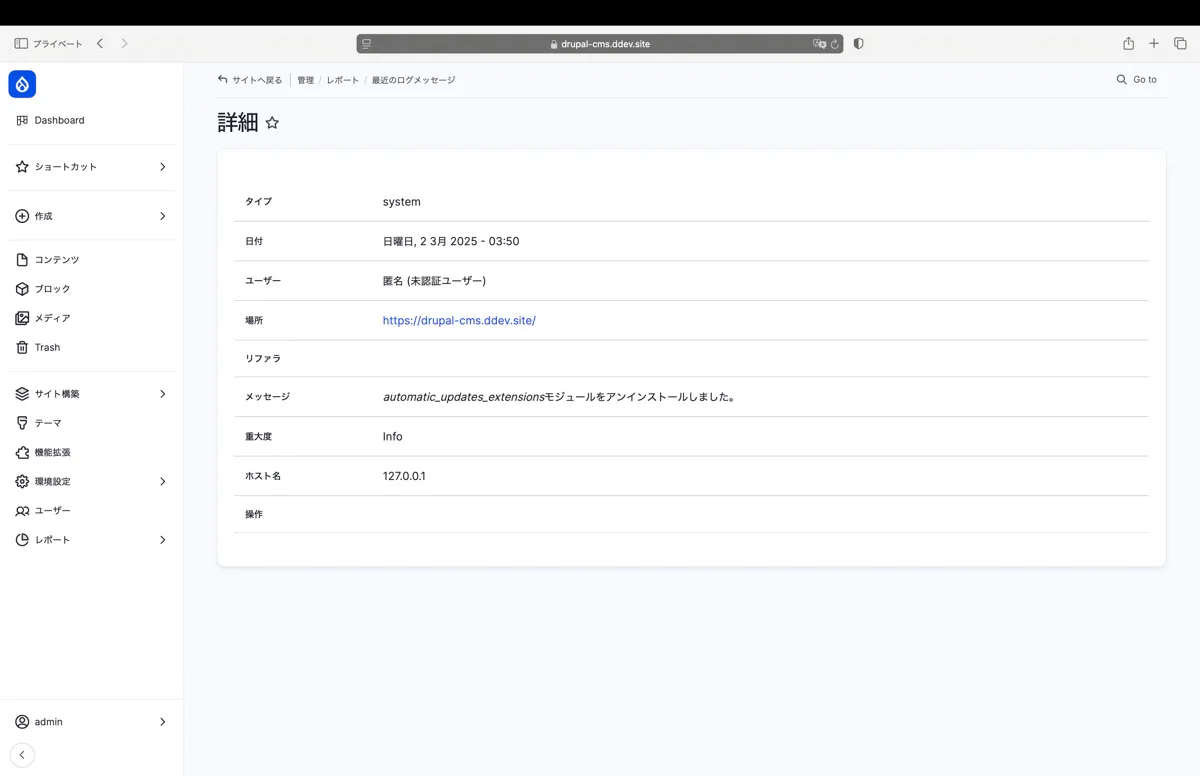
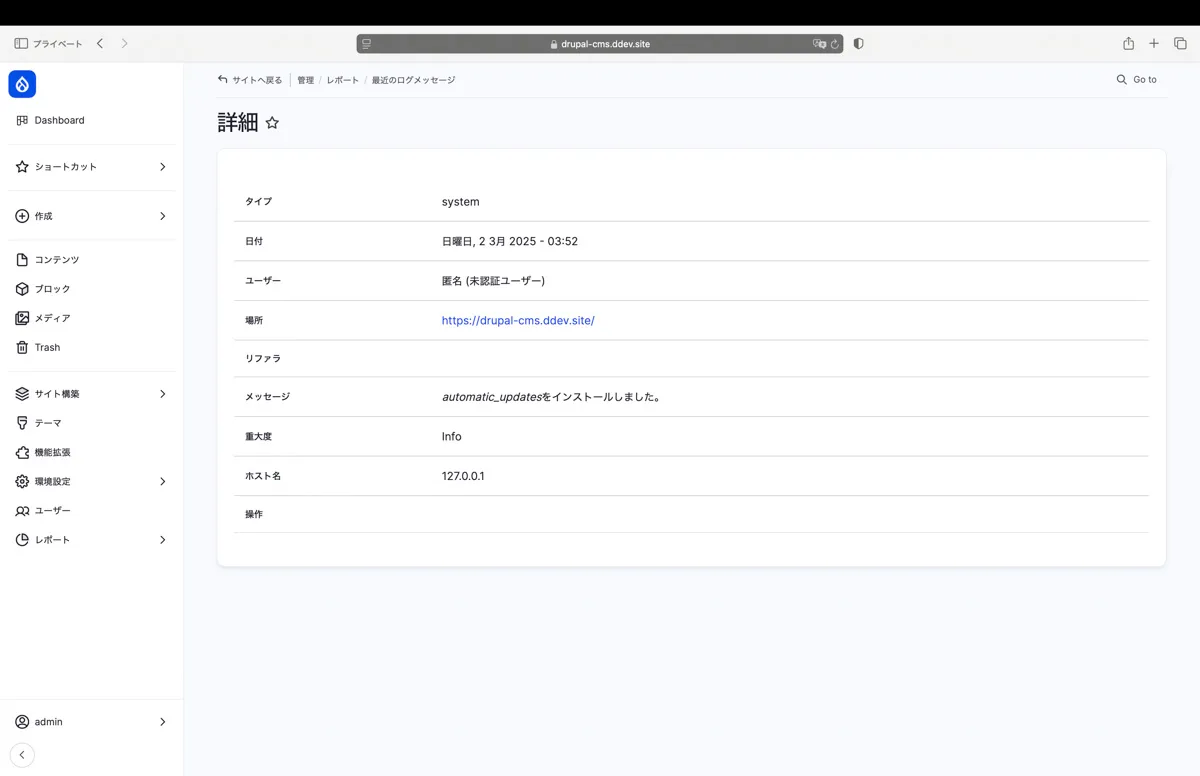
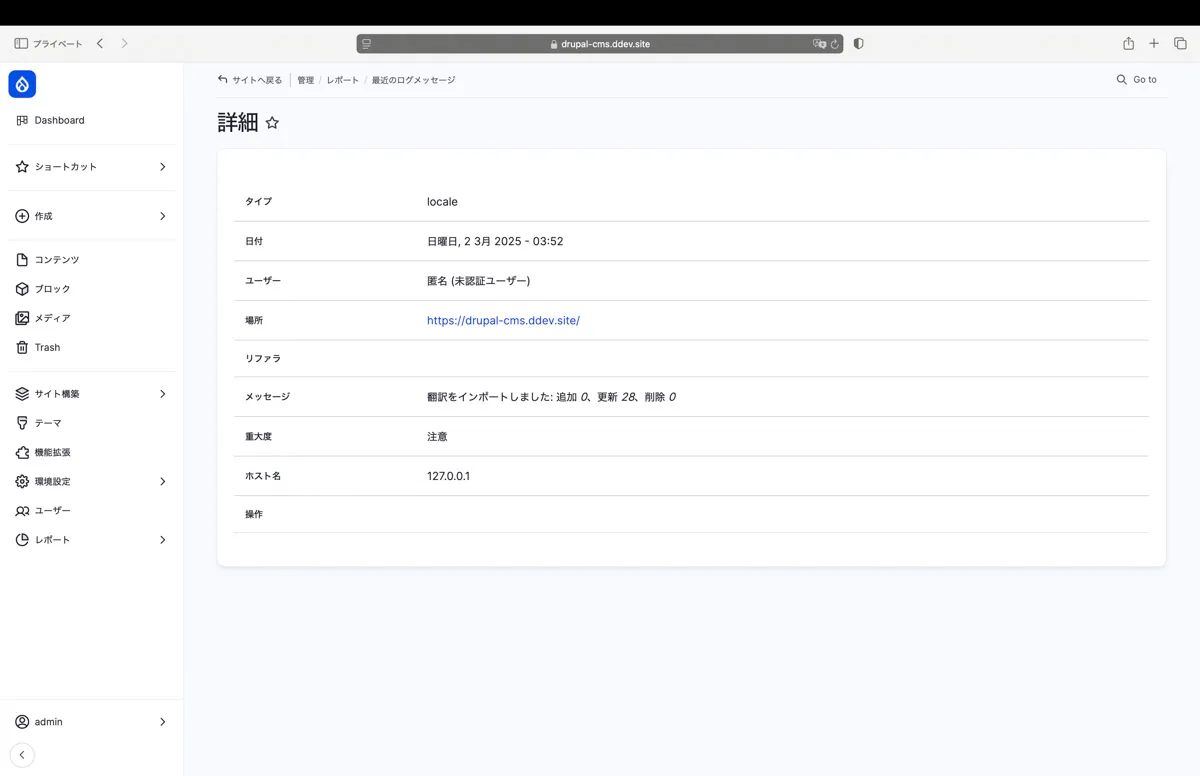
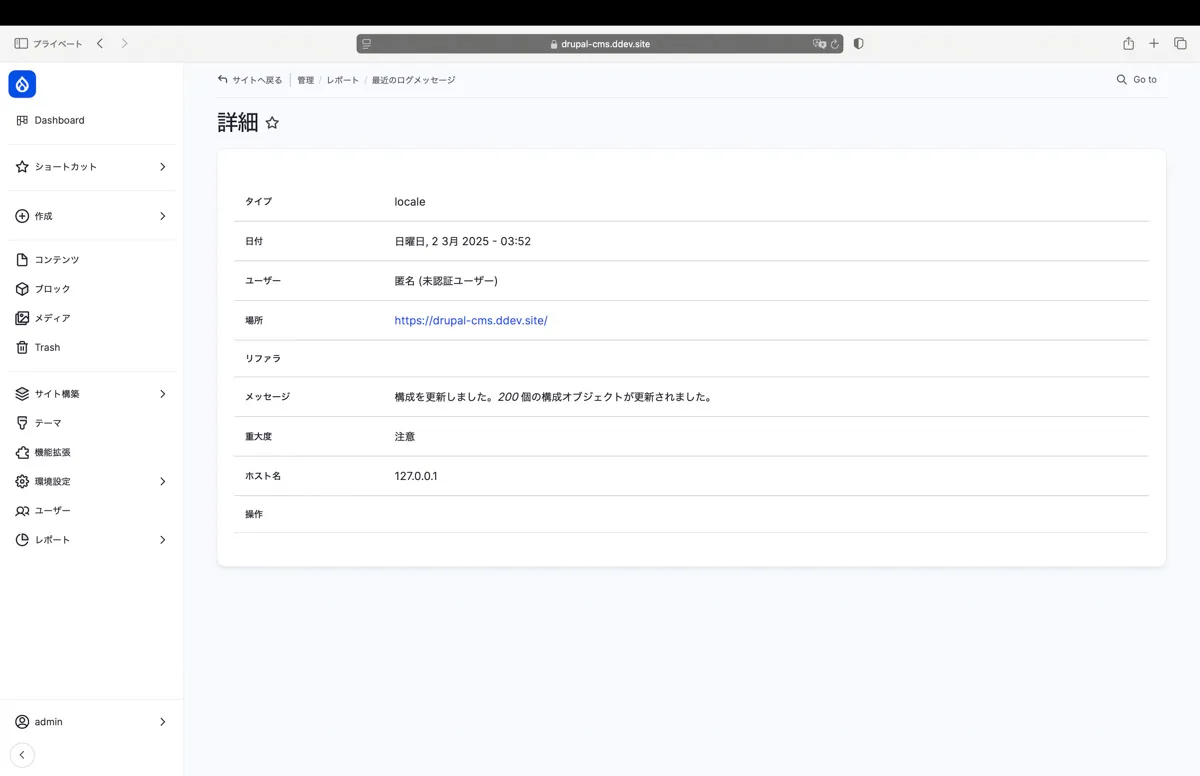
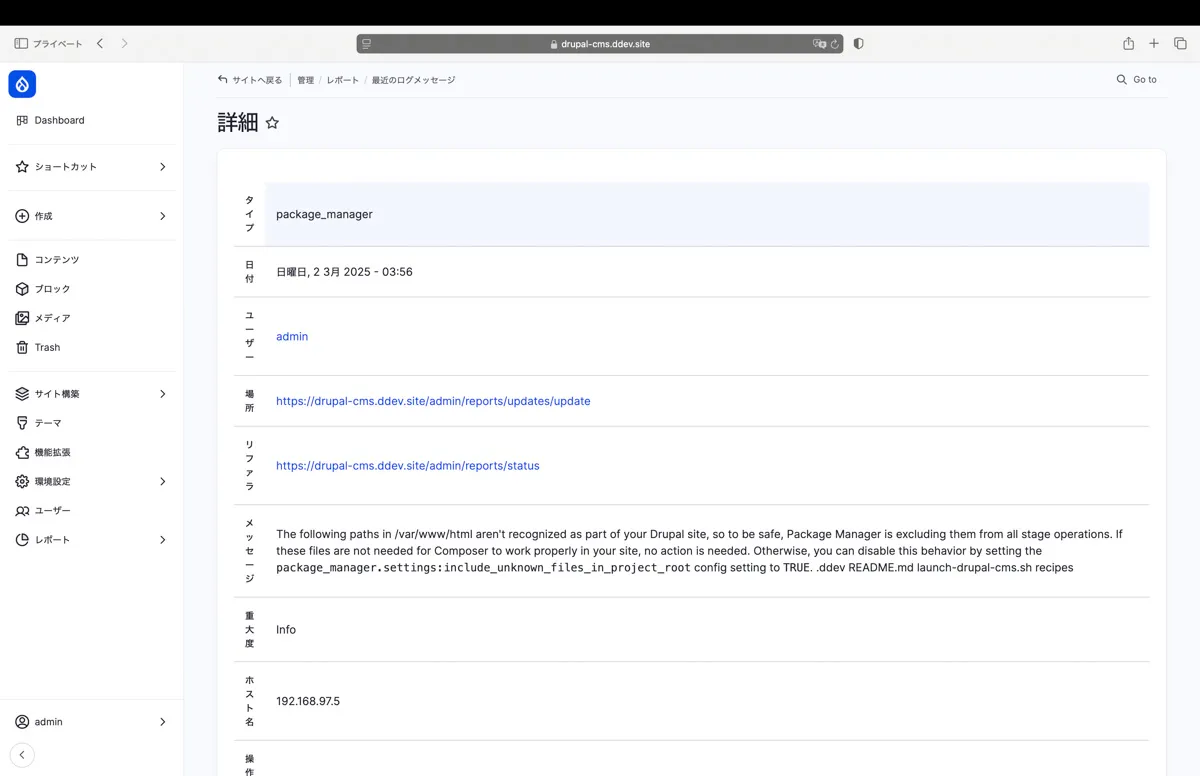
Checking the admin console log from the automatic_updates module installation reveals a warning about package_manager.
It's not an error, so there's no direct impact on using Drupal CMS — but it's worth investigating.
3. Warnings
3-1. Warnings displayed
Terminal warning during automatic_updates module installation
[warning] foreach() argument must be of type array|object, null given Mapping.php:31
[warning] foreach() argument must be of type array|object, null given Mapping.php:230
package_manager warning in the admin console log
The following paths in /var/www/html aren't recognized as part of your Drupal site, so to be safe, Package Manager is excluding them from all stage operations. If these files are not needed for Composer to work properly in your site, no action is needed. Otherwise, you can disable this behavior by setting the package_manager.settings:include_unknown_files_in_project_root config setting to TRUE. .ddev README.md launch-drupal-cms.sh recipes
The Package Manager warning says it is ignoring files it doesn't recognize. This suggests the null array in the automatic_updates module is likely data that Package Manager should be providing.
automatic_updates retrieves package update information via package_manager. If package_manager's operation is being blocked, automatic_updates may be unable to fetch the data it needs and returning null as a result.
Let's look into exactly how this warning is affecting things.
3-2. Impact of the warnings
The following message appears in the admin console when an update is needed:
//
One or more updates are available for modules or themes you are using. To keep your site functioning properly, you should update as soon as possible.
//
Even when the Core program and modules are up to date and no update is needed, this message is permanently displayed in the admin console.
Since automatic_updates has a dependency on the package_manager module, there may be a bug in that dependency. Module corruption is also a possibility, so deleting the module and rechecking dependencies is necessary.
This article is getting long, so the rest of the fix will be covered in the next article.
Conclude.
The Drupal CMS installed when the pre-release came out had been sitting untouched for a while, so logging back into the admin console after a long gap revealed a backlog of Core and module updates waiting to be done.
Since Drupal CMS now allows Core, modules, and themes to be updated from the admin console, that's how I did it — but the automatic_updates module update threw an error, and this article covers the fix. The error has been resolved, but warnings remain pointing to bugs in the automatic_updates and package_manager modules.
There are additional warnings too, so the next article will cover fixing those as well.
With admin console-based installation being so convenient, I tried doing everything — Core, modules, and themes — from there. But depending on the module, dependency issues may arise without using Composer.
This particular case occurred in the context of updating from a pre-release, so the same error may not reproduce when updating from a fresh official release installation.